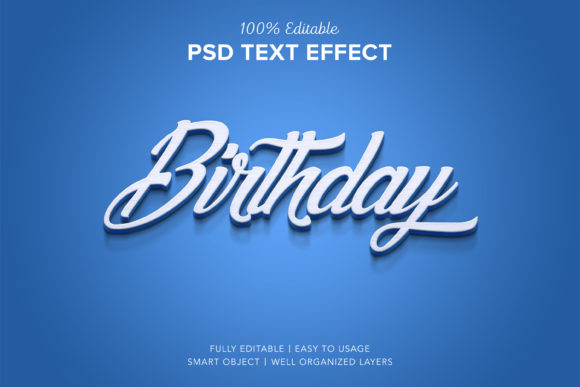
Birthday 3D Text Style Effect: A Practical Evaluation for Designers
In the realm of digital graphic design, text effects are often the defining element that separates a standard image from a polished, professional piece. Among these, three-dimensional typography remains a popular choice for celebrations, particularly birthdays. The Birthday 3d Text Style Effect is a specific resource designed to simplify this process, offering users a pre-built template that mimics realistic lighting, shadows, and depth without requiring advanced manual skills. This evaluation explores what this tool entails, its technical specifications, and whether it aligns with your current design workflow.
Understanding the Birthday 3d Text Style Effect
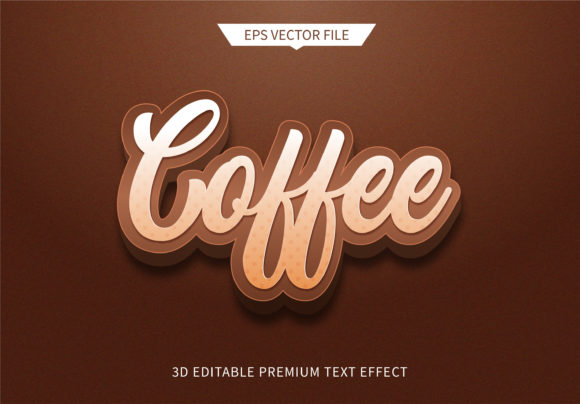
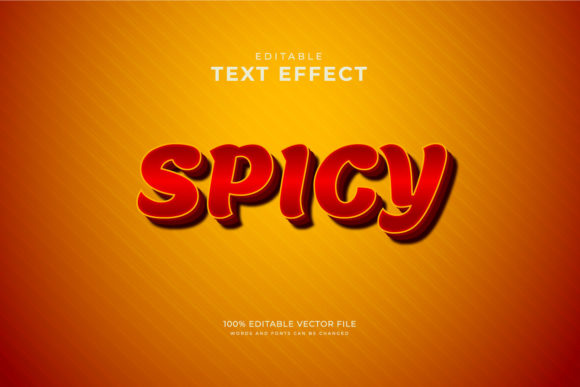
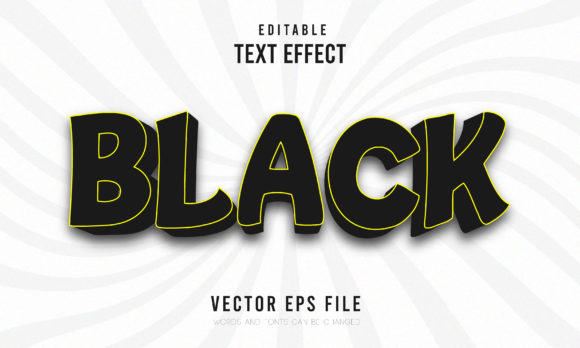
The core concept behind the Birthday 3d Text Style Effect is accessibility. Traditional 3D text creation in software like Adobe Photoshop involves complex layering, precise angle adjustments, gradient mapping, and shadow manipulation. For novice designers or those working under tight deadlines, this can be time-consuming and technically challenging. This product addresses those pain points by providing a ready-to-use solution.
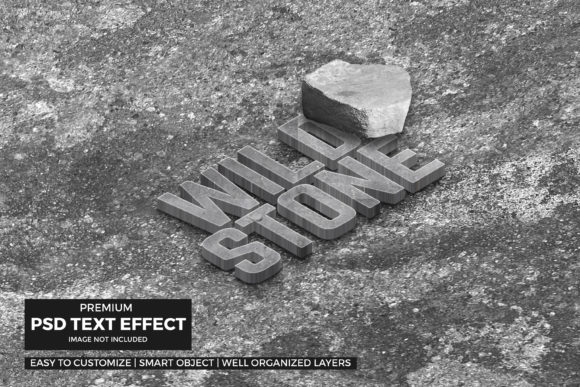
At its foundation, this effect relies on the Smart Object feature within Photoshop. A Smart Object allows you to embed an external file (such as your own logo or custom text) into a layered PSD file. When you replace this Smart Object, the software automatically recalculates the perspective, curvature, and surface properties defined in the template. Consequently, your flat input is transformed into a textured, three-dimensional object that appears to sit naturally within the scene.
Key Features and Technical Specifications
When evaluating any digital asset, understanding the deliverables is crucial. The Birthday 3d Text Style Effect pack includes one primary PSD file and a preview JPEG. The source file is structured with high standards for usability:
- Resolution and Dimensions: The canvas is set to 3000 x 2000 pixels at 300 DPI. This resolution ensures that the output is crisp and suitable for both high-resolution web display and large-format print materials.
- Layer Organization: The file is described as fully layered and well-organized into folders. This is a significant benefit for designers who may need to tweak specific elements, such as adjusting the intensity of a drop shadow or changing the background texture independently of the text.
- Editability: The template claims to be 100% editable. While the primary interaction is via Smart Object replacement, the underlying structure allows for further customization if the user possesses intermediate Photoshop skills.
Benefits of Using Pre-Made 3D Text Effects
There are distinct advantages to utilizing a template like the Birthday 3d Text Style Effect rather than building a 3D text effect from scratch.
Efficiency and Speed
The most immediate benefit is speed. By simply replacing the placeholder content, a designer can achieve a complex visual result in seconds. This is particularly valuable for social media managers, small business owners, or event planners who need to produce multiple variations quickly.
Consistency and Professionalism
Achieving realistic lighting and shadows manually requires an eye for physics and light sources. Templates handle these calculations automatically. This ensures that the text looks integrated into the environment, avoiding the common pitfall of "floating" text that lacks grounding. The automatic application of correct angles and lighting helps maintain a professional aesthetic even for users with limited design experience.
No Skill Requirement for Basic Use
For individuals who do not use design software professionally, the barrier to entry is lowered significantly. The requirement to "just replace your design" means that technical knowledge of bezier curves, extrusion depths, or blend modes is unnecessary for the basic application of the effect.
Tradeoffs and Considerations
While the convenience is undeniable, there are tradeoffs to consider when relying on pre-made templates.
Limited Customization Beyond the Template
If you require a specific font style, color palette, or material texture that differs from what is included in the template, you may find yourself restricted. While the text itself can be changed, altering the underlying geometry or the base material (e.g., changing from gold foil to wood grain) might require more advanced editing skills than the template intends to support.
Dependency on Software
This resource is strictly for Adobe Photoshop (.PSD). Users who rely on other platforms like Canva, Affinity Designer, or GIMP cannot utilize this file directly. They would need to export their designs and then open the PSD in Photoshop, adding a step to the workflow.
Originality Concerns
Because these templates are sold to many users, there is a risk of visual repetition. If multiple designers use the same Birthday 3d Text Style Effect, the resulting images may look similar. For unique branding, this lack of exclusivity might be a drawback.
Situational Fit: Who Should Use This?
The Birthday 3d Text Style Effect is a strong fit for several specific scenarios:
- Freelance Graphic Designers: Those who need to deliver quick mockups or social media assets to clients without spending hours on typographic effects.
- Small Business Owners: Individuals creating birthday promotions, party invitations, or sale banners who have a basic understanding of how to swap Smart Objects but lack advanced 3D modeling skills.
- Content Creators: YouTubers or streamers who need consistent, branded overlays or intro graphics that feature stylized text.
Conversely, alternatives may be worth considering for other needs. Professional 3D artists looking for total control over lighting engines might prefer using Cinema 4D or Blender. Designers working exclusively in non-Adobe ecosystems should look for SVG-based or CSS-based text effects. Additionally, if a project demands a completely unique artistic vision that deviates from standard celebratory aesthetics, building a custom effect from scratch may yield better results.
Practical Decision-Making Insights
Before purchasing or downloading the Birthday 3d Text Style Effect, consider the following questions to determine alignment with your goals:
- Do you have access to Photoshop? Since the file is a PSD, having the appropriate software license is mandatory.
- What is your timeline? If you need the design completed within minutes, this template offers significant value. If you have days to refine a custom look, you might invest time in learning manual techniques.
- How unique does the design need to be? If brand consistency and uniqueness are paramount, ensure you can modify the template enough to distinguish it from others using the same asset.
Support resources are also a factor. The creator, Harry_de, offers contact information for help files. Access to customer support can be a deciding factor for beginners who may encounter technical issues during the Smart Object replacement process.
Conclusion
The Birthday 3d Text Style Effect serves as a practical tool for bridging the gap between amateur capability and professional output. It leverages the power of Smart Objects to automate complex rendering tasks, saving time and reducing the technical barrier to entry. While it may not offer the infinite flexibility of custom 3D modeling, its ease of use, organized layer structure, and high-quality output make it a viable option for designers seeking efficiency. By understanding its limitations regarding originality and software dependency, users can make an informed decision about whether this asset fits into their creative toolkit.