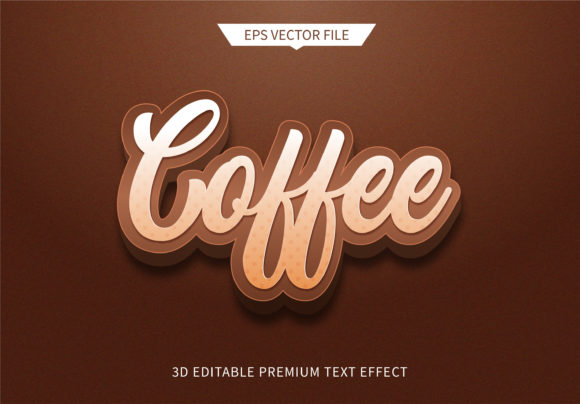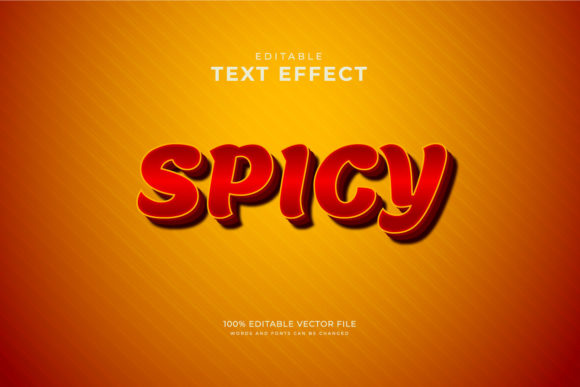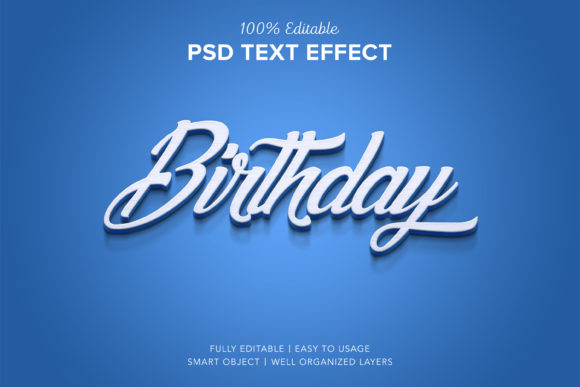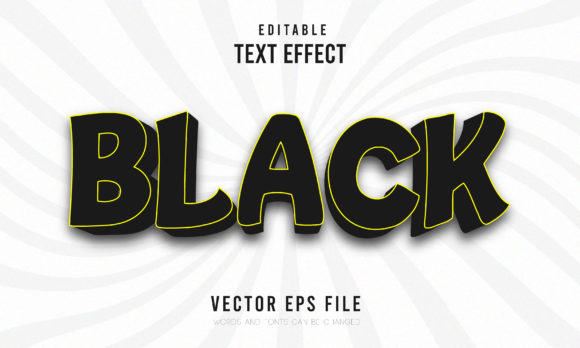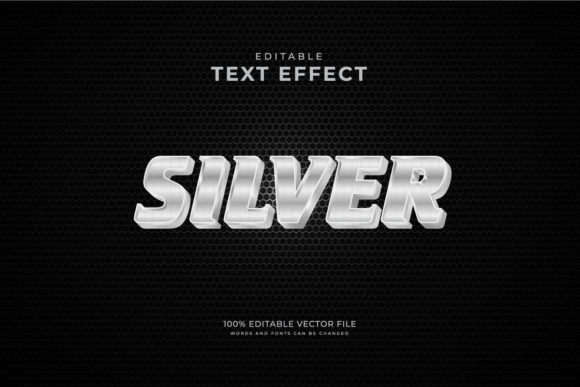
Silver Exclusive 3d Editable Text Style
There is a specific kind of satisfaction in finding a design asset that feels both premium and incredibly flexible. When you are working on a project that demands attention—whether it’s a luxury brand identity, a high-end event poster, or a sleek product packaging mockup—the difference between "good" and "unforgettable" often comes down to typography. This is where the Silver Exclusive 3d Editable Text Style steps in as a powerful tool for designers and creative professionals who refuse to compromise on quality or speed.
This isn’t just another font file sitting in your library. It is a fully vector-based, RGB color-mode design element crafted for Adobe Illustrator. The core appeal lies in its promise: you get ten distinct editable variations that look like solid, metallic silver sculptures but behave like simple text boxes. You can change the words, adjust the size, tweak the fonts, and modify every single object’s color without breaking the 3D effect. It bridges the gap between complex 3D rendering software and the simplicity of standard graphic design tools.
The Power of Vector Flexibility in Real-World Design
Why does this matter? Because time is the most scarce resource in any creative workflow. Traditionally, achieving a realistic, beveled, metallic text effect requires diving into 3D modeling software, setting up lighting rigs, applying materials, and waiting for renders to process. That process can take hours. With this Silver Exclusive style, you achieve that same visual impact in minutes. Since the files are vector designs, they remain crisp at any resolution. Whether you are printing a massive billboard or scaling down an icon for a mobile app interface, the edges stay sharp and the reflections hold their integrity.
Consider the scenario of a marketing agency preparing a campaign for a jewelry launch. The client wants elegant, reflective text that pops against dark backgrounds. Instead of hiring a specialist 3D artist, a graphic designer can drop in one of these editable styles. They can swap out generic placeholder text for the brand name, ensure the silver tone matches the exact hex code of the client’s logo, and export high-resolution JPEGs for immediate preview. The ability to edit all objects means you aren't stuck with a static image; you retain full control over the depth, highlights, and shadows.
Industries That Benefit from Metallic Precision
The versatility of this design asset extends far beyond typical graphic design projects. Let’s look at how different sectors can leverage this tool practically.
- Fashion and Luxury Retail: For fashion brands, aesthetics are everything. A silver 3D text effect conveys sophistication, modernity, and exclusivity. Designers can use these styles for lookbooks, social media advertisements, and storefront signage. The fact that the color mode is RGB ensures that the digital previews match what viewers will see on screens, while the vector nature allows for easy adaptation to print materials if needed.
- Event Planning and Entertainment: Think about concert posters, award ceremony backdrops, or gala invitations. These events require visuals that scream "premium." The editable nature of the text allows event coordinators to quickly update dates, venue names, or speaker titles without starting from scratch. If the lineup changes last minute, the design adapts instantly.
- Tech and Startups: In the tech world, clean lines and futuristic aesthetics are common. A silver 3D text style fits perfectly into dashboards, landing pages, and promotional videos. It adds a layer of depth to otherwise flat UI elements, making calls-to-action more compelling. Since the files are ready to use in Adobe Illustrator, developers and designers can collaborate seamlessly, swapping out text strings for localized versions for global launches.
- Gaming and Esports: Competitive gaming thrives on bold, impactful visuals. Team logos, tournament banners, and stream overlays often feature metallic textures to convey strength and competition. This editable style allows community managers to create custom assets for different tournaments or team rosters rapidly.
Navigating Customization and Color Control
One of the standout features mentioned in the product description is that all object colors are editable. This is crucial because "silver" isn't always a single shade. Depending on the lighting conditions of your project or the surrounding color palette, you might need a cool-toned silver, a warm platinum finish, or even a gradient shift that mimics chrome. Because you are working within Adobe Illustrator, you can dissect the layers. You aren't limited to a pre-baked gradient map. You can adjust the highlights to make the text look wetter or drier, sharper or softer, depending on the mood you want to set.
This level of granular control also helps in maintaining brand consistency. If your brand guidelines specify a particular shade of blue to accompany the silver, you can integrate those colors directly into the 3D structure. The RGB color mode ensures that these adjustments translate accurately to digital displays, which is vital for web designers and social media content creators who work primarily in digital spaces.
Practical Considerations Before Implementation
While the benefits are clear, there are practical considerations to keep in mind when integrating this asset into your workflow. First, ensure you have Adobe Illustrator installed and updated. While the preview samples are provided in JPEG format for quick visualization, the actual editing power resides in the vector source files. Without the proper software, you cannot unlock the potential of changing fonts, sizes, or individual object colors.
Secondly, consider the context of usage. Silver is a reflective material. In real-world physics, reflections depend on the environment. In a digital design, you simulate this through gradients and highlights. Be mindful of the background against which you place your silver text. On a pure white background, silver text can disappear or lack contrast. To make the 3D effect truly pop, pair it with darker or richer backgrounds, or add a subtle drop shadow to separate the text from the canvas.
Additionally, remember that while the text is editable, the complexity of the 3D shape might affect performance if you are working on extremely large documents with multiple instances. It’s good practice to organize your layers clearly in Illustrator, naming groups appropriately so that switching between different text variations doesn’t become a chore. The fact that there are ten editable styles means you have variety, but staying organized ensures you don’t lose track of which version you are currently tweaking.
Why Choose Editable Over Static Mockups?
You might wonder why not just use a Photoshop mockup where you paste your text onto a silver texture. The limitation there is rigidity. If you need to change the font weight, the mockup might distort or break the perspective. With the Silver Exclusive 3d Editable Text Style, the text itself is constructed from vector paths. You can change the font family entirely, adjusting the kerning and leading just as you would with normal text. This flexibility is invaluable for agencies handling multiple clients or designers working on iterative concepts.
Furthermore, the high-resolution files mean you never have to worry about pixelation. A static PNG or JPG mockup has a fixed resolution. If you need to scale it up for a larger print run, you’ll lose quality. Vector files do not suffer from this issue. They scale infinitely, maintaining the crispness of the edges and the smoothness of the gradients. This makes them future-proof assets that can be used across various media formats, from small business cards to large-format banners.
In summary, the Silver Exclusive 3d Editable Text Style offers more than just a pretty font. It provides a streamlined solution for creating high-impact, professional-grade typography. By combining the visual allure of 3D metal with the practical ease of vector editing, it empowers designers to produce stunning results efficiently. Whether you are crafting a luxury advertisement, a tech startup’s landing page, or an event invitation, this tool allows you to focus on creativity rather than technical hurdles, ensuring your message stands out with clarity and elegance.