Evaluating the 3D Hibiscus SVG for Digital Crafting Projects
The digital crafting landscape has evolved significantly, moving beyond simple vector outlines into complex, layered designs that mimic depth and texture. Among the trending assets in this space is the 3D Hibiscus SVG, a file designed to create visually striking floral motifs with a dimensional appearance. For crafters using cutting machines like Cricut or Silhouette, understanding the technical specifications and practical applications of this asset is crucial before beginning a project. This analysis explores what makes the 3D Hibiscus SVG distinct, how its multi-format package supports various software ecosystems, and whether it aligns with your specific crafting goals.
Understanding the 3D Hibiscus SVG Format
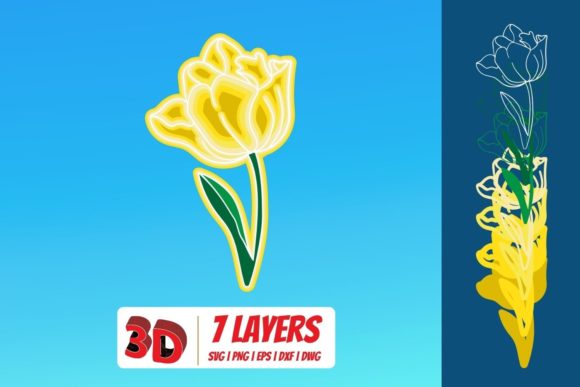
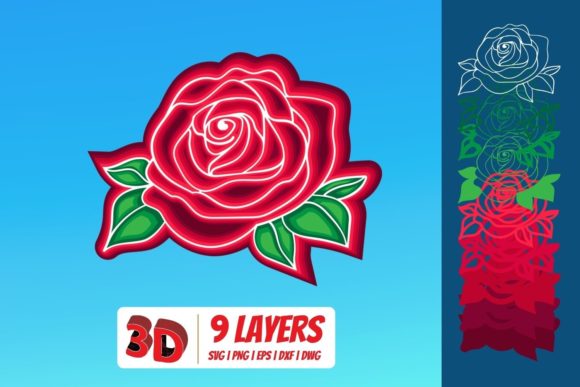
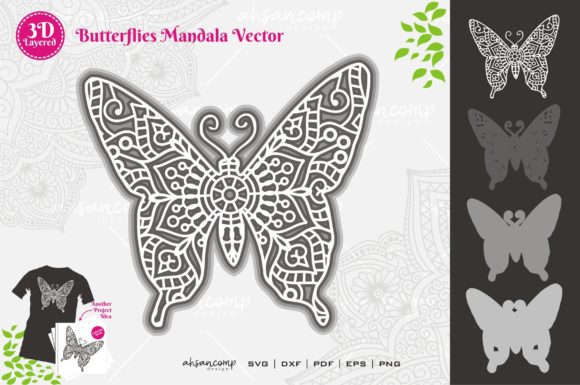
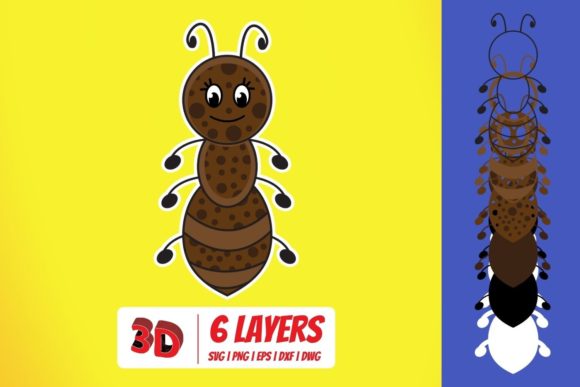
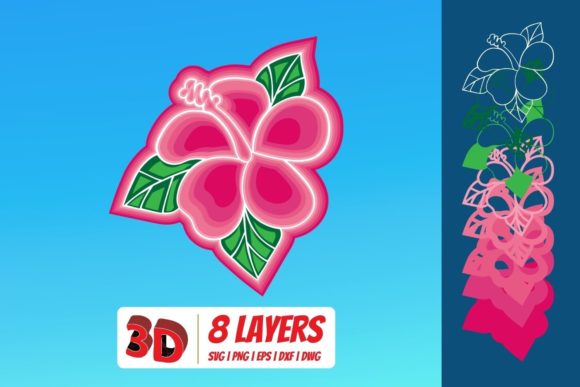
At its core, an SVG (Scalable Vector Graphic) is a vector-based image format that allows for infinite scaling without loss of quality. However, a "3D" SVG differs from standard flat designs by utilizing multiple layers, strategic color blocking, and sometimes shadow effects within the vector data itself. The 3D Hibiscus SVG typically consists of separate paths representing petals, stamens, and leaves, which are arranged to create an illusion of depth when cut from materials like cardstock, vinyl, or wood veneer.
What distinguishes this particular asset is not just the visual design but the comprehensive nature of its delivery. Unlike many digital downloads that offer only a single file type, this package includes svg, dxf, png, and eps formats in a zipped folder. This multi-format approach ensures compatibility across a wide spectrum of hardware and software, addressing the fragmentation common in the crafting industry where different machines require different file structures.
Software Compatibility and Workflow Integration
One of the primary considerations for any crafter is whether their existing software can interpret the file correctly. The inclusion of multiple formats in the download mitigates the risk of incompatibility, allowing users to choose the best tool for their specific workflow.
SVG: The Standard for Modern Cutting Machines
The SVG file is the primary format for most contemporary cutting machines. It is fully compatible with Cricut Design Space, allowing users to upload and manipulate the hibiscus layers directly. Similarly, it works seamlessly with Silhouette Designer Edition, Make the Cut MTC, Sure Cuts A Lot (SCAL), and Brother’s Scan and Cut “Canvas” software. In these environments, the SVG retains its layer structure, enabling precise control over cut lines and material placement. This is particularly useful for creating layered paper flowers where each petal must be cut individually and adhered in sequence.
DXF: Bridging the Gap for Basic Software
For users who may not have upgraded to premium software versions, the DXF (Drawing Exchange Format) file provides a vital alternative. The DXF included in the zip folder is specifically optimized for use with Silhouette Basic Edition. While DXF files can sometimes lose some of the intricate layering details found in SVGs, they are robust enough to handle the main structural elements of the hibiscus design. This ensures that even entry-level machine owners can access high-quality designs without needing to purchase additional software licenses.
EPS: Professional Vector Editing
Design professionals or hobbyists who prefer advanced vector manipulation tools will appreciate the inclusion of the EPS (Encapsulated PostScript) file. This format is widely supported by professional graphic design suites such as CorelDraw, Inkscape, and Adobe Illustrator. Using EPS allows for more granular editing capabilities, such as modifying bezier curves, adjusting node points, or integrating the hibiscus design into larger typographic compositions. This flexibility is ideal for those who need to customize the flower’s proportions or colors before sending it to a cutter.
PNG: Visual Reference and Non-Cutting Uses
Finally, the package includes a PNG file with a transparent background at 300 DPI. While PNG is a raster image and cannot be used directly for cutting paths in most machines, it serves several important functions. It acts as a high-resolution visual reference for planning color schemes and layering order. Additionally, because of its transparency and high resolution, it is suitable for digital printing on photo paper, use in digital scrapbooking, or overlaying in graphic design projects where vector precision is not required.
Comparative Analysis: 3D vs. Flat Designs
When evaluating the 3D Hibiscus SVG, it is helpful to compare it against traditional flat-cut floral designs. Flat designs consist of a single silhouette per element, relying on the natural shape of the material to define the form. In contrast, 3D designs utilize overlapping layers to create volume.
- Visual Impact: The 3D version offers a more dynamic and realistic appearance, making it superior for focal point items such as wall art, greeting cards, or centerpieces. Flat designs are better suited for subtle patterns or backgrounds.
- Complexity and Time: The tradeoff for the enhanced realism of the 3D design is increased assembly time. Layering a 3D hibiscus requires careful alignment and adhesive application for each petal section. Flat cuts can often be assembled much faster, making them preferable for bulk production or quick party favors.
- Material Suitability: 3D designs work best with thicker materials like chipboard, thick cardstock, or foam sheets, which hold their shape well. Thin vinyl or paper may collapse under the weight of multiple layers unless reinforced. Flat designs are more forgiving with thinner materials.
Decision Factors: Is This the Right Asset for You?
Choosing the right digital asset depends on your end goal, available tools, and skill level. The 3D Hibiscus SVG is an excellent choice for crafters looking to create statement pieces. If you are designing a wedding invitation suite, a nursery decor piece, or a sophisticated gift tag, the depth provided by this SVG adds a professional polish that flat designs lack.
However, if your primary concern is speed or simplicity, you might find the layered complexity unnecessary. Furthermore, while the multi-format support is a significant advantage, users must ensure their chosen software can handle the specific layer count of the SVG. Some older versions of cutting software may struggle with files containing numerous individual paths, potentially slowing down the processing time.
Practical Applications and Use Cases
- Layered Wall Art: Using the EPS file in Adobe Illustrator to adjust sizes, then cutting from colored cardstock to create a large-scale hibiscus for home decor.
- Digital Scrapbooking: Utilizing the 300 DPI PNG to add realistic floral accents to digital layouts without worrying about vector compatibility issues.
- Custom Apparel: Cutting the SVG layers from heat-transfer vinyl (HTV) to create textured, multi-dimensional designs on t-shirts or tote bags.
- Wedding Stationery: Assembling the DXF or SVG layers on high-end paper stock for invitations, leveraging the Basic Edition compatibility for cost-effective prototyping.
Conclusion on Utility and Value
The value of the 3D Hibiscus SVG lies in its versatility and accessibility. By providing a complete toolkit—SVG for modern cutters, DXF for basic software, EPS for professional editing, and PNG for visual reference—the download accommodates a broad range of user needs. It removes the friction often associated with file conversion and format incompatibility.
For those seeking to elevate their crafting projects with dimensional floral elements, this asset offers a reliable foundation. The key to success lies in selecting the appropriate format for your software and matching the material thickness to the design’s structural requirements. Whether you are a casual hobbyist or a professional designer, the structured approach of this multi-format package ensures that the artistic potential of the 3D hibiscus can be realized efficiently and effectively.