Polar 3d Style Editable Text Effects: A Practical Review of Design Utility
In the competitive landscape of digital design, typography is rarely just about legibility; it is about presence. For professionals ranging from freelance graphic designers to small business owners managing their own marketing materials, the ability to quickly produce high-impact visual elements without spending hours on manual vector construction is invaluable. This is where specialized templates like the Polar 3d Style Editable Text Effects step in. Rather than reinventing the wheel for every project, these assets offer a streamlined pathway to polished, three-dimensional typography that maintains professional standards while significantly reducing production time.
The specific iteration discussed here is built within Adobe Illustrator, leveraging the power of vector graphics to ensure scalability and precision. It is not merely a static image but a functional tool designed for integration into broader design workflows. By examining its technical specifications, usability, and practical applications, we can determine whether this asset aligns with the needs of modern creatives.
Technical Foundation and File Structure
Understanding the backbone of any design template is crucial before implementation. The Polar 3d Style Editable Text Effects template is delivered primarily in Vector EPS CC format, alongside native Ai (Adobe Illustrator) files. This dual-format delivery is significant for several reasons. The EPS format ensures compatibility across a wide range of design software, allowing users who may not have the latest version of Illustrator to still utilize the core vector data. Meanwhile, the Ai file preserves the full layer structure and editability intended by the creator.
The resolution specification of 1920 x 1080 pt at RGB color indicates that the preview and primary output are optimized for digital screens and standard HD displays. However, because the source is vector-based, the "resolution" limitation is largely theoretical. In practice, vectors do not pixelate when scaled. This means the same file can be used for a social media post, a website banner, or even large-format print materials, provided the final export settings are adjusted for CMYK if necessary for physical printing. The inclusion of a JPG preview allows for quick verification of the aesthetic before opening the complex vector file.
Customization and Flexibility
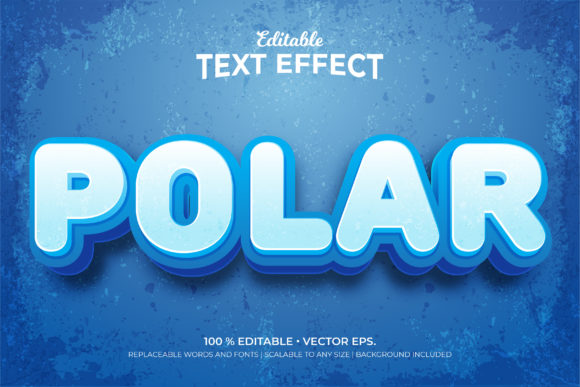
The term "editable" is often overused in digital marketplaces, but in this context, it carries specific weight. The template utilizes the font Rounds Black for its preview text, which provides a bold, rounded aesthetic that complements the 3D extrusion style. However, the true value lies in the replaceability of these elements.
- Text Replacement: Users can swap out placeholder words with their own copy. This is essential for branding consistency, allowing businesses to apply the effect to slogans, headlines, or product names.
- Font Swapping: While Rounds Black sets the tone, the underlying 3D effects are typically applied via Illustrator’s appearance panels or envelope distortions. This means you can change the base font to match your brand guidelines without breaking the 3D structure, though the visual impact will shift depending on the character geometry.
- Color Adaptation: The template supports color changes. Whether a brand requires a monochromatic scheme, a vibrant gradient, or a specific corporate palette, the fill and stroke attributes can be modified directly within the layers.
This level of flexibility transforms the template from a rigid decoration into a versatile component. It does not force a single look upon the designer but rather provides a robust framework that adapts to different creative directions.
Aesthetic Characteristics and Visual Impact
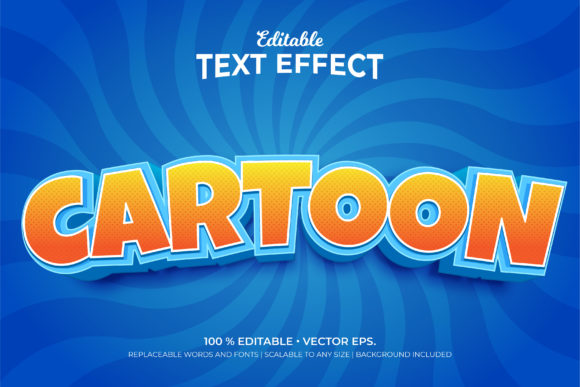
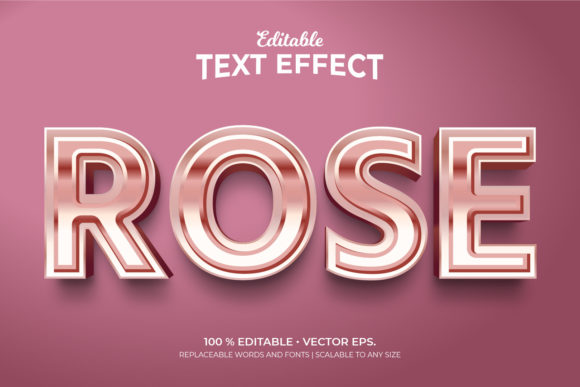
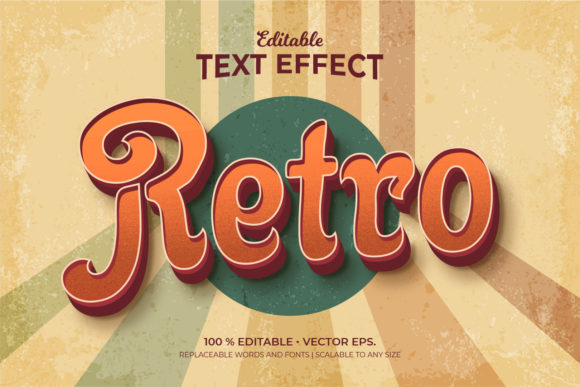
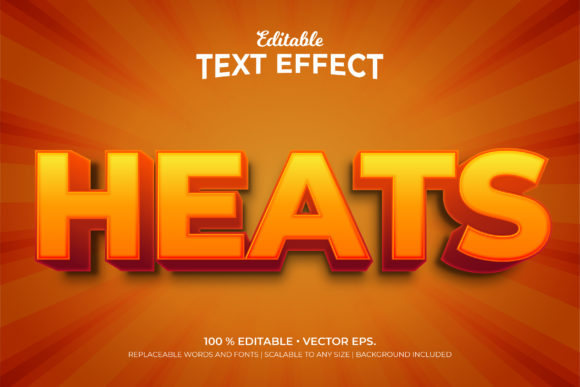
The "Polar 3d" style suggests a focus on depth, dimensionality, and perhaps a radial or circular influence in the lighting or shadow casting. Three-dimensional text effects, when executed well, add a sense of tactility to digital designs. They break the flatness of the screen and draw the eye. In the context of the Polar 3d Style Editable Text Effects, the design aims to provide this depth without appearing heavy or cluttered.
The use of a black background in the preview highlights the contrast and the quality of the shadows and highlights. This is a common technique in design portfolios to demonstrate how light interacts with the form. For end-users, this means the template is likely designed to stand out against darker backgrounds or to serve as a focal point in a composition. The clean lines and smooth curves typical of the Rounds Black font contribute to a modern, friendly, yet authoritative appearance.
However, it is important to note that 3D text effects can sometimes reduce readability if the extrusion is too deep or the colors clash. A well-designed template mitigates this by balancing the depth with clear foreground text. This particular template appears to prioritize clarity, ensuring that the text remains the primary message rather than being lost in the decorative effects.
Practical Applications and Use Cases
Who benefits most from this resource? The versatility of the Polar 3d Style Editable Text Effects makes it suitable for a diverse audience:
- Marketers and Social Media Managers: Creating eye-catching quotes, announcements, or promotional banners for Instagram, Facebook, or LinkedIn. The 1920x1080 dimension is ideal for YouTube thumbnails or Facebook cover images.
- Small Business Owners: Entrepreneurs who need to create professional-looking flyers, business cards, or web headers without hiring a dedicated graphic designer for every minor update.
- Freelance Designers: Professionals who can use the template as a starting point for client projects, saving time on repetitive tasks and focusing more on layout and strategy.
- Educators and Content Creators: Bloggers and YouTubers who need consistent, branded text overlays for their content.
For example, a fitness coach could use the template to create motivational quotes with a dynamic, strong 3D look. A tech startup might adapt the colors to fit a sleek, futuristic brand identity. The key is that the template serves as an "additional effect" that can be layered onto existing designs, adding polish without requiring a complete redesign.
Usability and Workflow Integration
One of the critical factors in evaluating a template is how easy it is to use. The description notes that the template is "easy to use," which implies a logical layer structure in the Illustrator file. For experienced users, navigating the Appearance Panel and Layer Palette should be intuitive. For beginners, however, working with 3D effects in Illustrator can sometimes be daunting.
To maximize the utility of this asset, users should ensure they have a basic understanding of how to edit text boxes and modify color swatches. The fact that it includes a background also simplifies the process; users do not need to hunt for complementary backdrops. They can simply drop the text effect onto a new canvas or integrate it into a larger composition. This reduces friction in the workflow, allowing for faster iteration and experimentation.
Limitations and Considerations
No resource is without limitations. The reliance on Adobe Illustrator means that users must have access to this software. While the EPS file offers some cross-compatibility, the full editing capabilities—such as adjusting the 3D extrusion depth or modifying complex gradients—are best realized within the Adobe ecosystem. Additionally, the specific aesthetic of "Polar 3d" may not suit all brand identities. A minimalist, flat-design-focused company might find the 3D effect too ornate. Therefore, it is essential to evaluate whether this style aligns with the overall visual language of the project.
Furthermore, while the template is scalable, extremely large-scale prints (such as billboards) require careful attention to line weights and detail density. What looks crisp at 1920 pixels may reveal jagged edges if not properly rasterized or outlined for very large formats. Always test-export at the intended final size to ensure quality.
Conclusion on Value and Suitability
The Polar 3d Style Editable Text Effects template represents a solid investment for those seeking to enhance their typographic presentations. Its strength lies in its balance of aesthetic appeal and functional editability. By providing vector-based files in both EPS and Ai formats, it caters to both strict professional workflows and flexible, ad-hoc design needs. The inclusion of replaceable fonts and colors ensures that the asset remains relevant across various branding contexts.
For professionals looking to streamline their production of headline graphics, social media assets, and promotional materials, this template offers a reliable shortcut to high-quality results. It does not replace the need for good design principles, but it certainly supports them by handling the technical execution of complex 3D effects. When integrated thoughtfully into a broader design strategy, it can elevate the perceived professionalism of a brand’s visual communications.